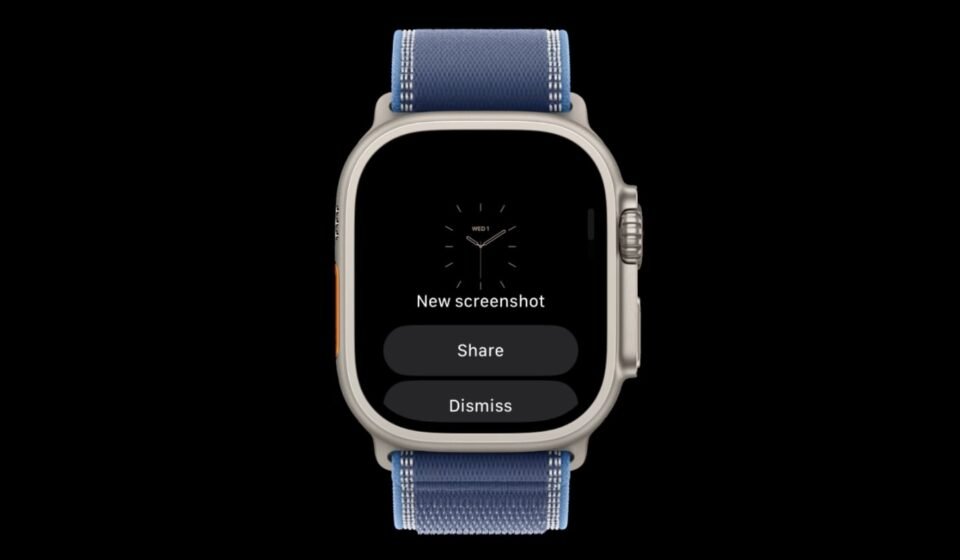

Apple Watch users who have long been frustrated by the lack of on-device screenshot management may soon get a reprieve. Code discovered in watchOS 27.2 contains a hidden feature flag that suggests Apple is working on an iPhone-style screenshot preview, complete with share and delete options, according to a finding first shared by code explorer pdfu and later reported by MacRumors.
A Hidden Flag in watchOS 27.2
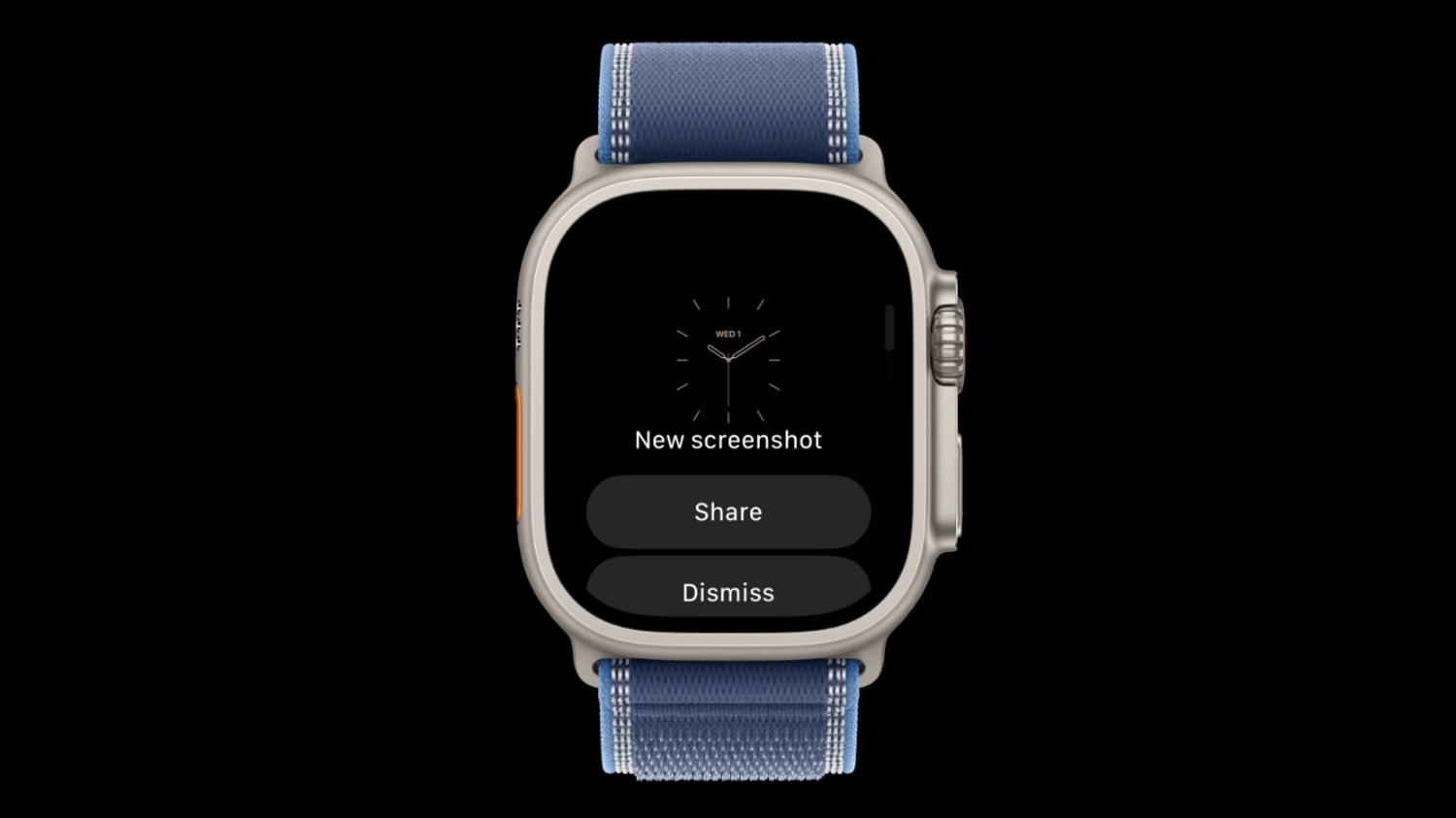
The feature was found buried behind a disabled feature flag in watchOS 27.2, meaning it is not yet active for users or developers. The flag’s presence indicates that Apple has at least laid the groundwork for the functionality, though there is no guarantee it will be enabled. Because the flag remains off, the feature could surface in a later watchOS 27.2 beta, but that remains speculative until Apple chooses to activate it.
How Screenshots Work on Apple Watch Today
Currently, taking a screenshot on an Apple Watch is a one-way trip. Pressing the Digital Crown and side button simultaneously captures the screen and sends the directly to the Photos app on the paired iPhone. No confirmation screen appears on the watch itself, so users get no immediate visual feedback that a capture was successful. The process is also easy to trigger accidentally, since the same button combination can be pressed unintentionally during normal handling.
Compounding the issue, screenshots are disabled by default on Apple Watch. To turn them on, users must dig into the Settings app on the watch or the Apple Watch app on iPhone. Even after enabling the feature, the only control available is a simple on/off toggle. There is no way to review, share, or discard a screenshot from the watch itself.
What the iPhone Already Does
The contrast with iPhone is stark. On iPhone, taking a screenshot produces either a full-screen preview or a small thumbnail in the corner, depending on the user’s settings. From that preview, a few taps let the user save, share, or delete the before it ever reaches the Photos library. That flow gives iPhone users a moment of control that Apple Watch users currently lack.
Why a Save/Delete Option Would Matter
If the hidden flag in watchOS 27.2 is enabled in a future beta, Apple Watch users could gain a similar layer of control. A preview with share and delete options would mean that accidental screenshots—common due to the Digital Crown and side button combination—could be discarded immediately rather than cluttering the iPhone’s library. It would also allow users to share a screenshot directly from the watch without reaching for their phone.
The feature would not replace the existing on/off toggle but would add a more granular option beyond it. For users who rarely take screenshots intentionally, the ability to delete an accidental capture on the spot could be a meaningful quality-of-life improvement.
What to Expect Next
For now, the feature remains dormant. The discovery by pdfu, shared in a tweet on September 24, 2026, and reported by MacRumors, is a hint rather than a confirmation. Apple has not announced any plans to bring screenshot previews to Apple Watch. Whether the flag becomes active in a later watchOS 27.2 beta or is held back for a future release is unknown. Users who want the feature will have to wait and see if Apple flips the switch.