
Picking a Kindle used to be simple: there was one, and you bought it. Nearly two decades after the first model arrived in 2007, Amazon now sells four distinct e-readers, each with its own screen size, battery life, and price. The differences are subtle enough that the wrong choice can leave you overspending for features you’ll never touch—or missing one you’d use every day.
To sort through it, consider what you actually read, where you read it, and how much you’re willing to spend. The answers point to a specific model.
Why an e-reader at all?

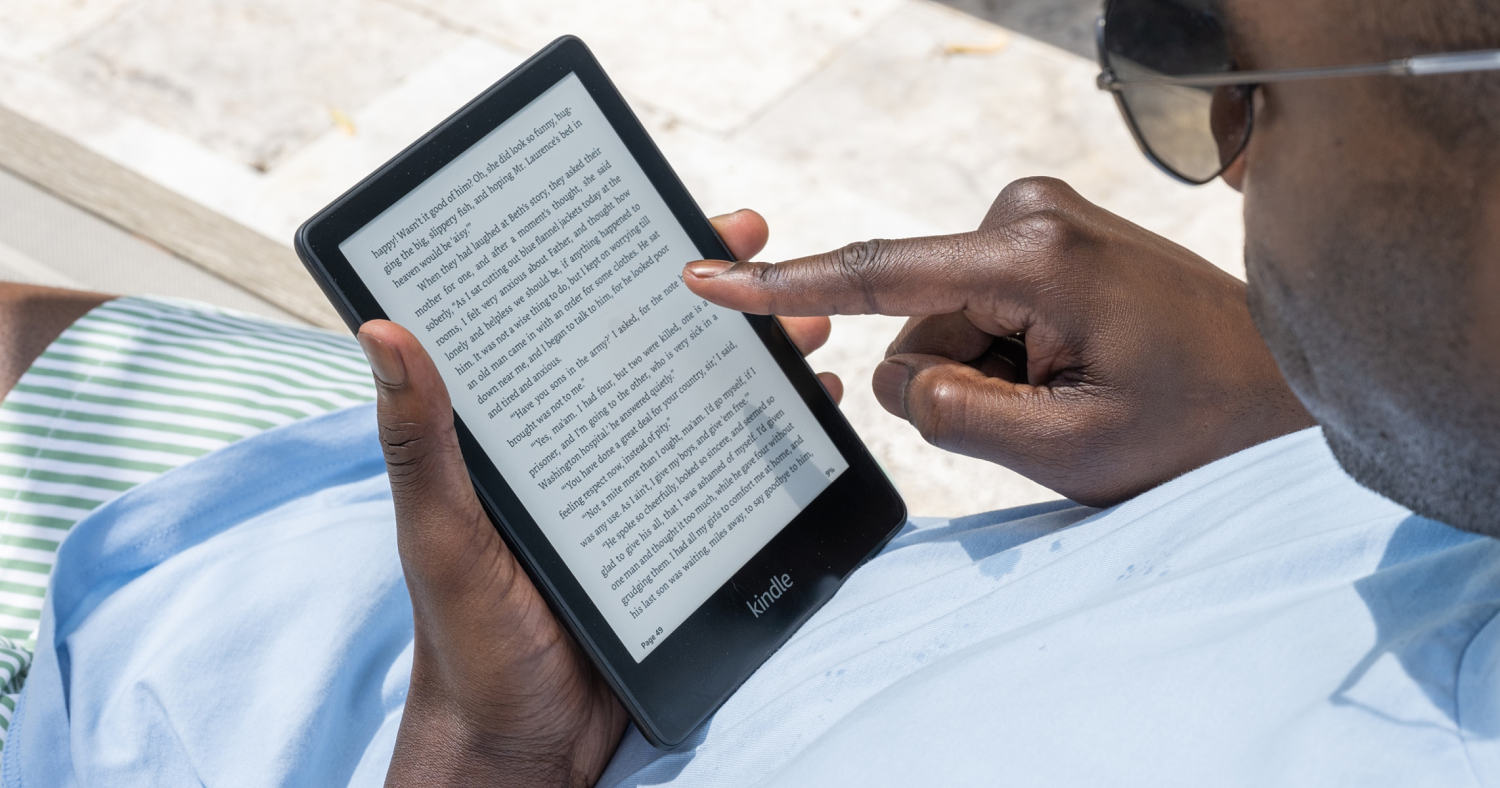
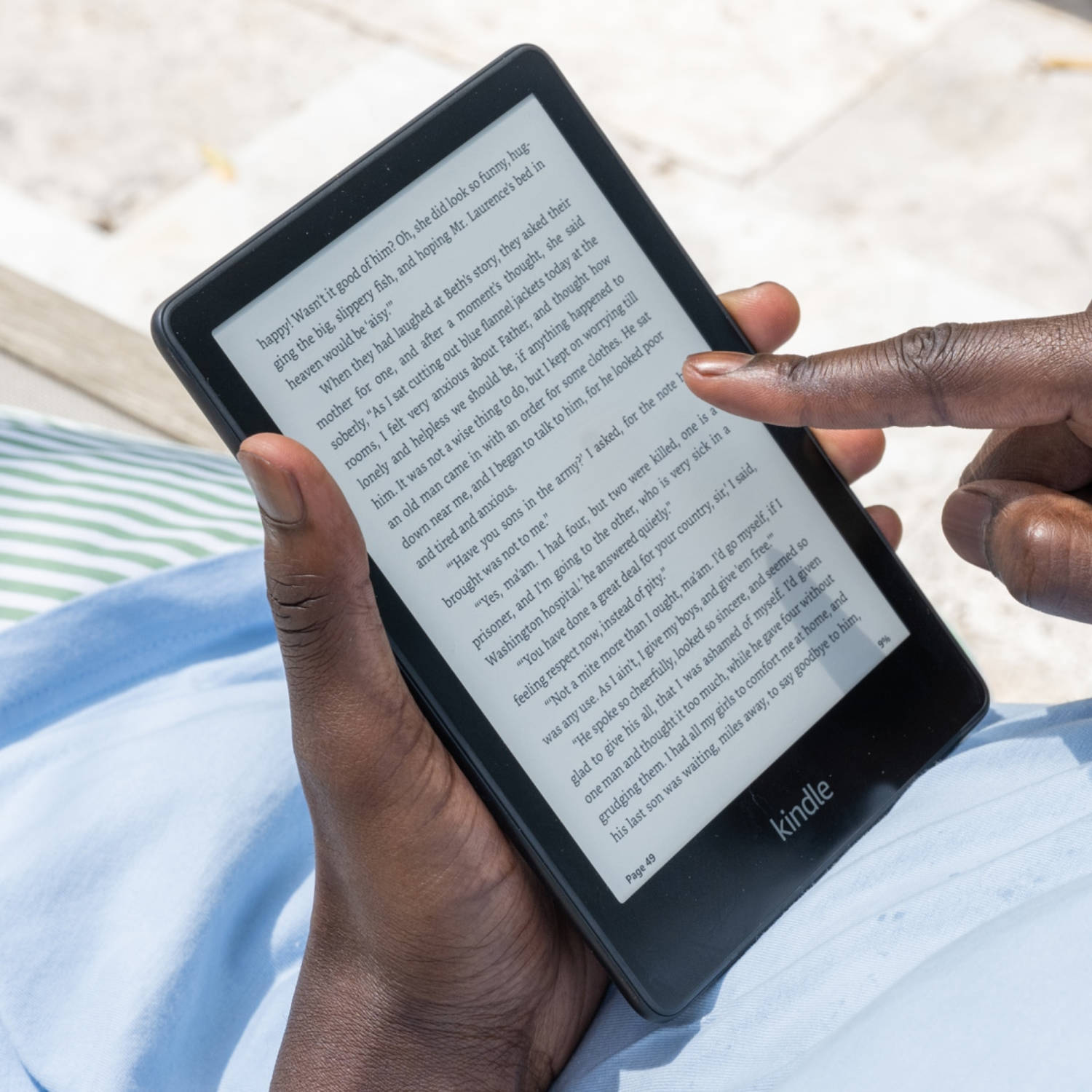
Phones and tablets can display books, but they aren’t built for the task. E-ink screens—the technology inside every Kindle—simulate ink on paper. That means less glare and fewer reflections, which matters when you’re reading on a sunny porch or under a harsh overhead light. E-ink also draws far less power than a typical screen, which is why Kindles last weeks between charges rather than hours.
Nick Tanzi, assistant director at the South Huntington Public Library, describes e-ink as a way of mimicking the printed page. The result is a device that feels less like a gadget and more like a book. Kindles are light, simple to operate, and optimized for one activity. Tablets do more, but they also invite distraction. If you want to read without a dozen notifications interrupting you, a dedicated e-reader is the better tool.
The four current models
Amazon’s lineup breaks down into the base Kindle, the Paperwhite, the Colorsoft, and the Scribe. Each occupies a different spot on the price-and-capability spectrum.
Base Kindle: the budget pick
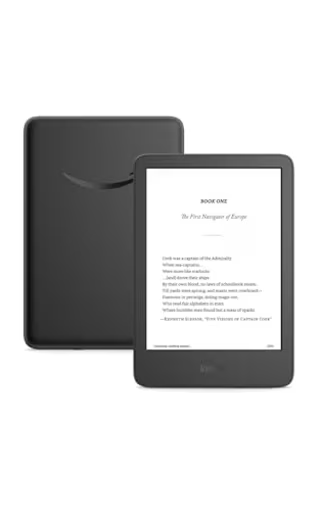
At $149.99, the standard Kindle is the cheapest way into the ecosystem. It has a 6-inch black-and-white touchscreen, weighs 5.6 ounces, and comes with 16GB of storage. Battery life runs up to six weeks. It is not waterproof, and its screen adjustments are more limited than those on pricier models. For a reader who mostly reads indoors, in bed, or on a commute, it covers the essentials without extra cost.
Paperwhite: the all-rounder
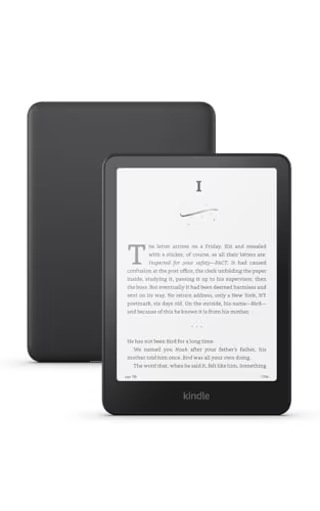
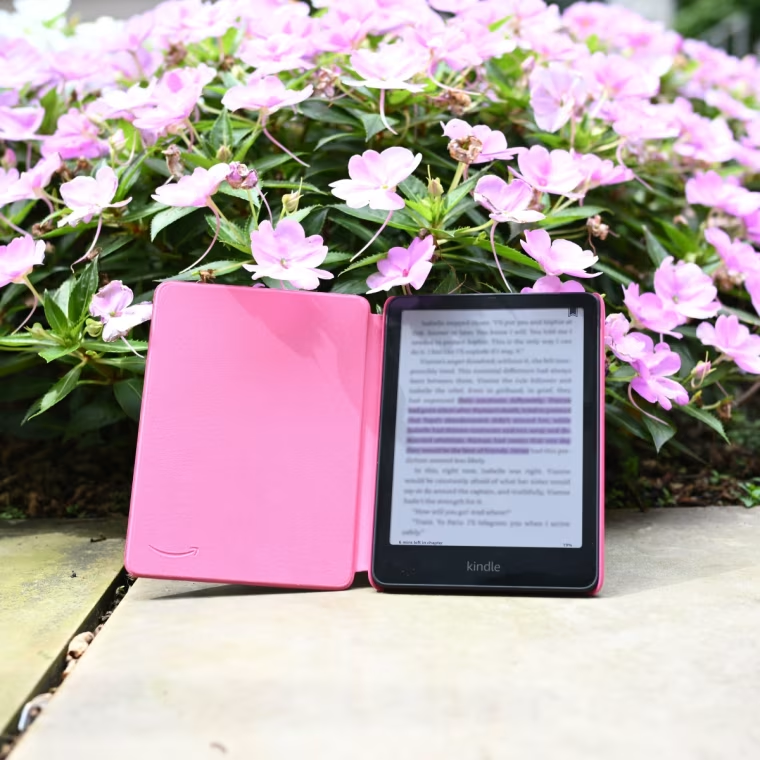
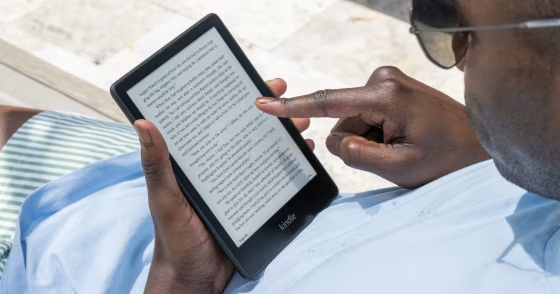
The Paperwhite costs $199.99 and is the model most people should consider first. Its 7-inch black-and-white screen is larger than the base Kindle’s, and battery life stretches to twelve weeks. It weighs 7.5 ounces, stores 16GB, and adds two features the base model lacks: waterproofing and an adjustable light hue. The power button sits at the bottom, which some readers find more convenient. For a device that will likely be used daily for years, the upgrade is modest in price and meaningful in practice.
Colorsoft: for color content
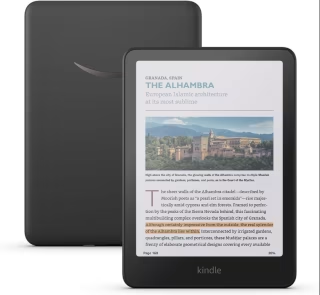
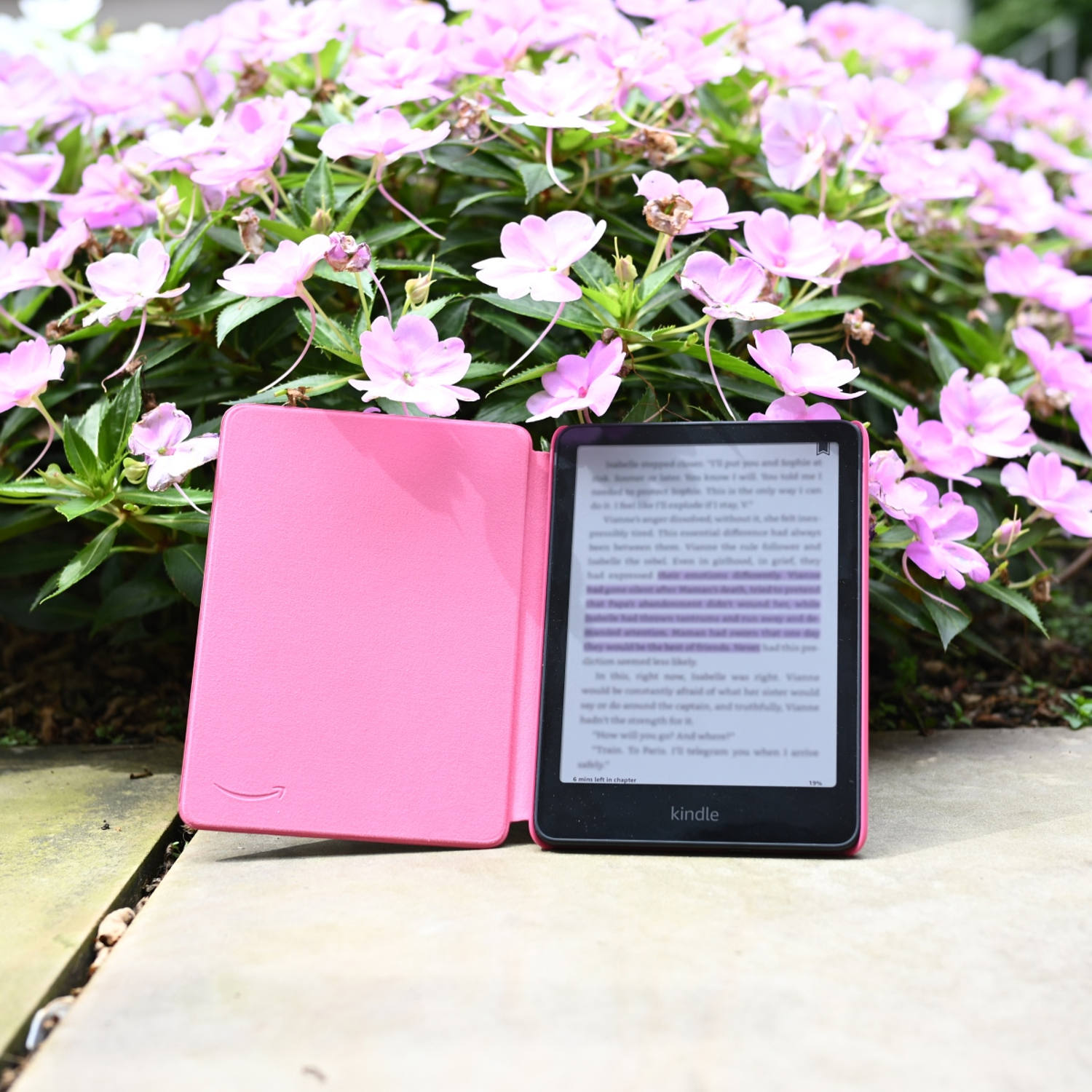
If you read comics, graphic novels, or illustrated books, the $289.99 Colorsoft is the only Kindle that renders them in color. It shares the Paperwhite’s 7-inch size, 7.5-ounce weight, 16GB storage, waterproofing, and adjustable light hue, but battery life drops to about eight weeks. The trade-off for color is lower contrast for plain text. Readers who mostly read prose may find black-and-white easier on the eyes; readers who want covers, panels, and illustrations in full color will consider it worth the compromise.
Scribe: for note-takers
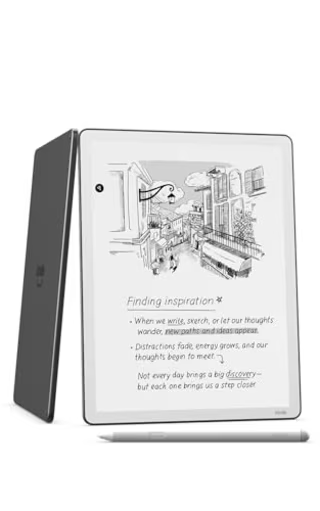
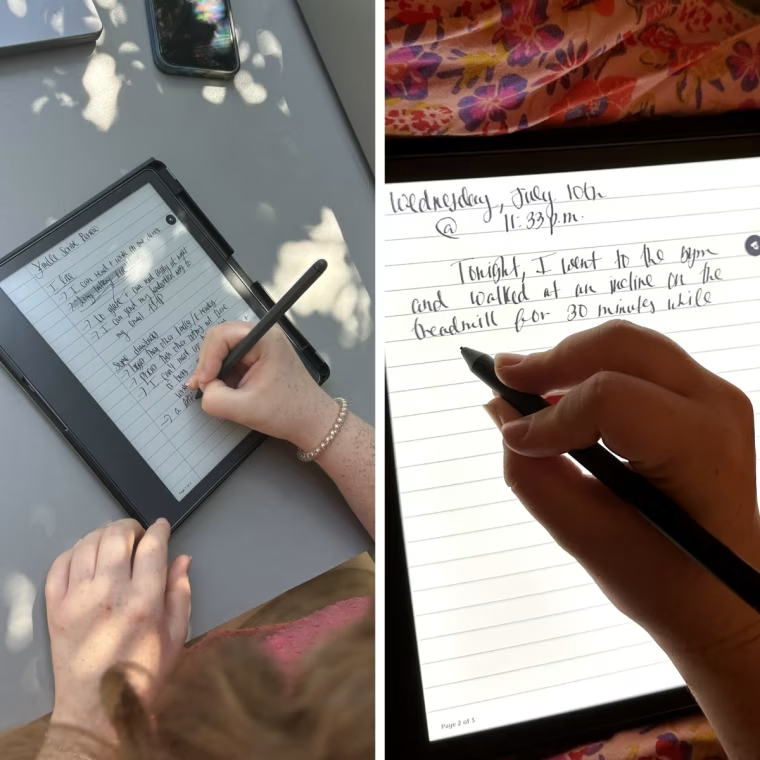
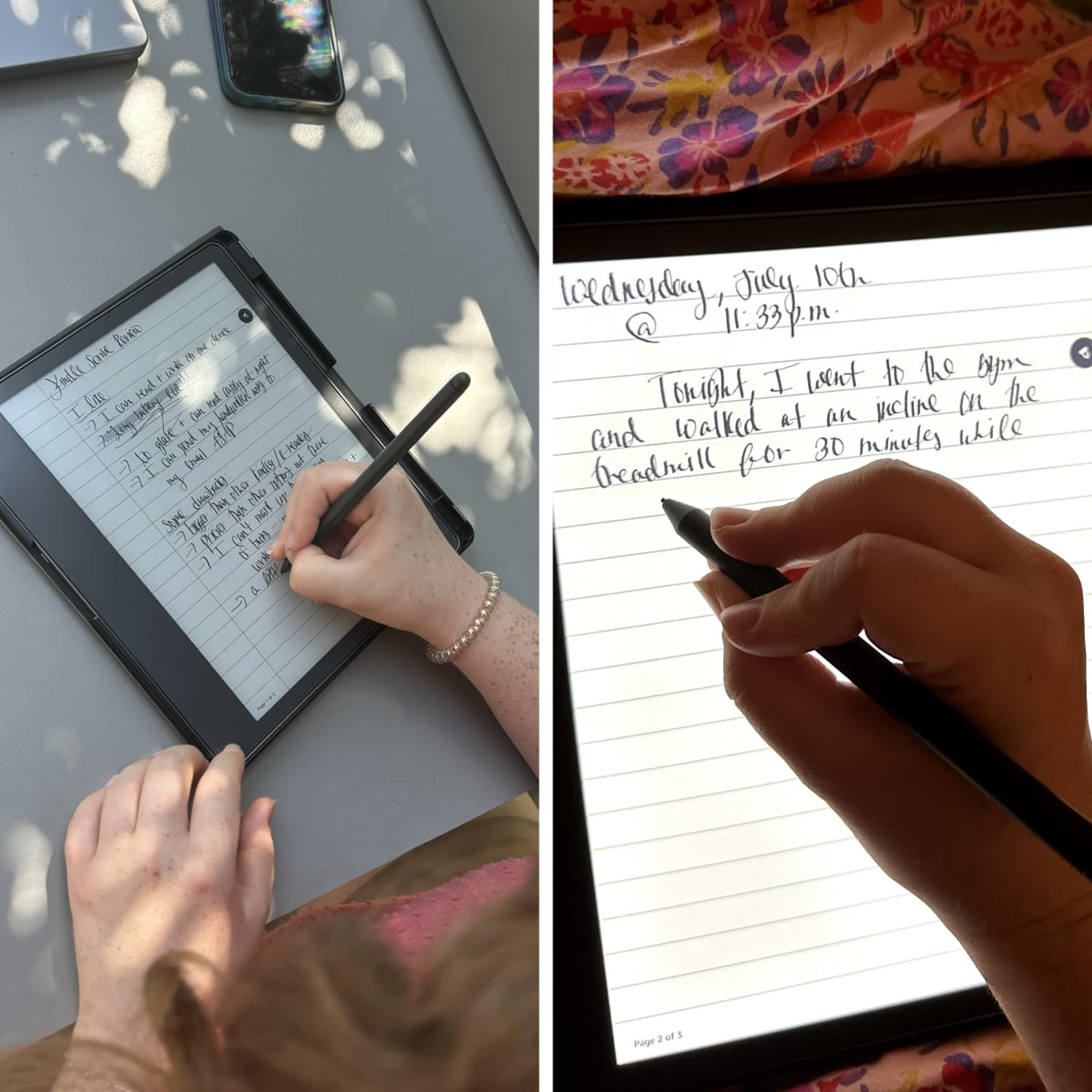
The Scribe is the outlier. At $399.99 (discounted from $499.99), it has a 10.2-inch black-and-white screen, weighs about a pound, and offers 16GB, 32GB, or 64GB of storage. Battery life reaches twelve weeks. Its distinguishing feature is a stylus that attaches magnetically and supports note-taking directly on the device. Kelsey Fredricks, a former production coordinator, praised the Scribe’s screen responsiveness for handwritten notes and noted that notes can be sent to a phone, computer, email, or printer. It also has an LED screen for reading in a dark room, though a version without the light exists. The Scribe is the most expensive, largest, and heaviest Kindle—best for someone who wants a reading and writing device in one.
Kids editions and Signature Editions
Amazon also sells Kids versions of the base Kindle, Paperwhite, and Colorsoft. These come without ads, include a protective cover, and bundle six months of Amazon Kids+, which is designed for children ages 3 to 12. If you’re buying for a young reader, the kid-focused package removes some of the guesswork.
At the other end, Signature Editions of the Paperwhite and Colorsoft add 32GB of storage, auto-adjusting brightness, no lock-screen ads, and Qi wireless charging. They cost more and are aimed at readers who want the extras without thinking about them.
Storage: less important than it sounds
Storage is a common source of anxiety, but it rarely needs to be. The average e-book file is about 2MB, so a 16GB Kindle can hold thousands of titles. Harry Rabinowitz, a former tech reporter, says he has never run out of storage on his Kindle. Graphic novels and comics use more space, so heavy comic readers may want to consider the Scribe’s larger options or a Signature Edition. For most people, 16GB is plenty.
Where the books come from
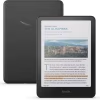
A Kindle is only as useful as the library behind it. The device connects to Wi-Fi for the Kindle store, which sells e-books and audiobooks. Kindles can also play audiobooks and sync your place across devices, so you can start a chapter on your phone and finish it on your e-reader.
Two services are worth knowing. Prime Reading is free with a Prime membership, though the Kindle device itself is not included. Kindle Unlimited, a separate subscription, frequently runs deals during Prime events. And a public library card unlocks free e-books through the Libby app, which syncs with Kindle. Rabinowitz uses Libby to borrow library e-books and sync them to his Paperwhite. For budget-conscious readers, the library route can keep a Kindle stocked for years without buying a single title.
Matching the model to the reader
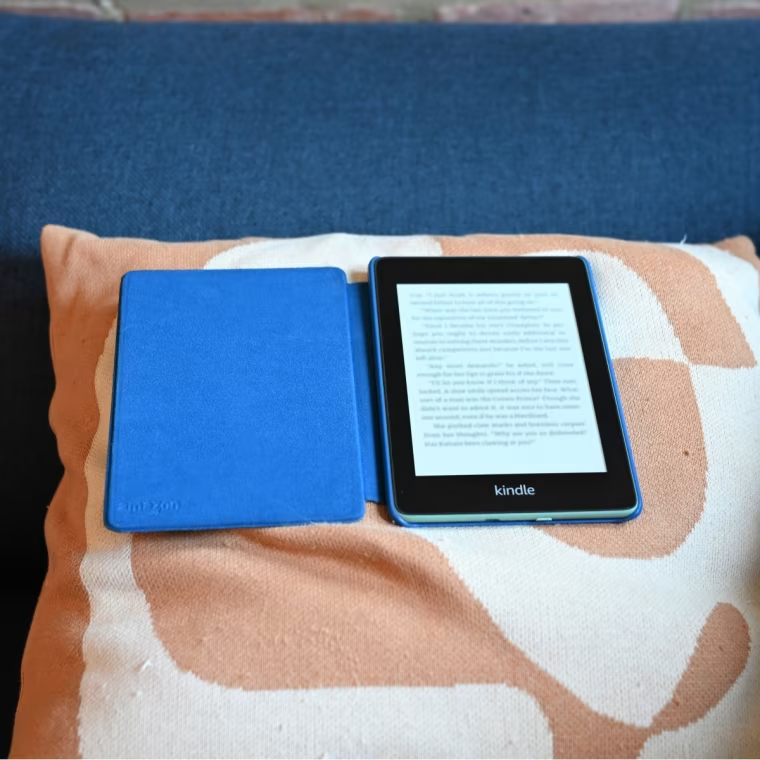
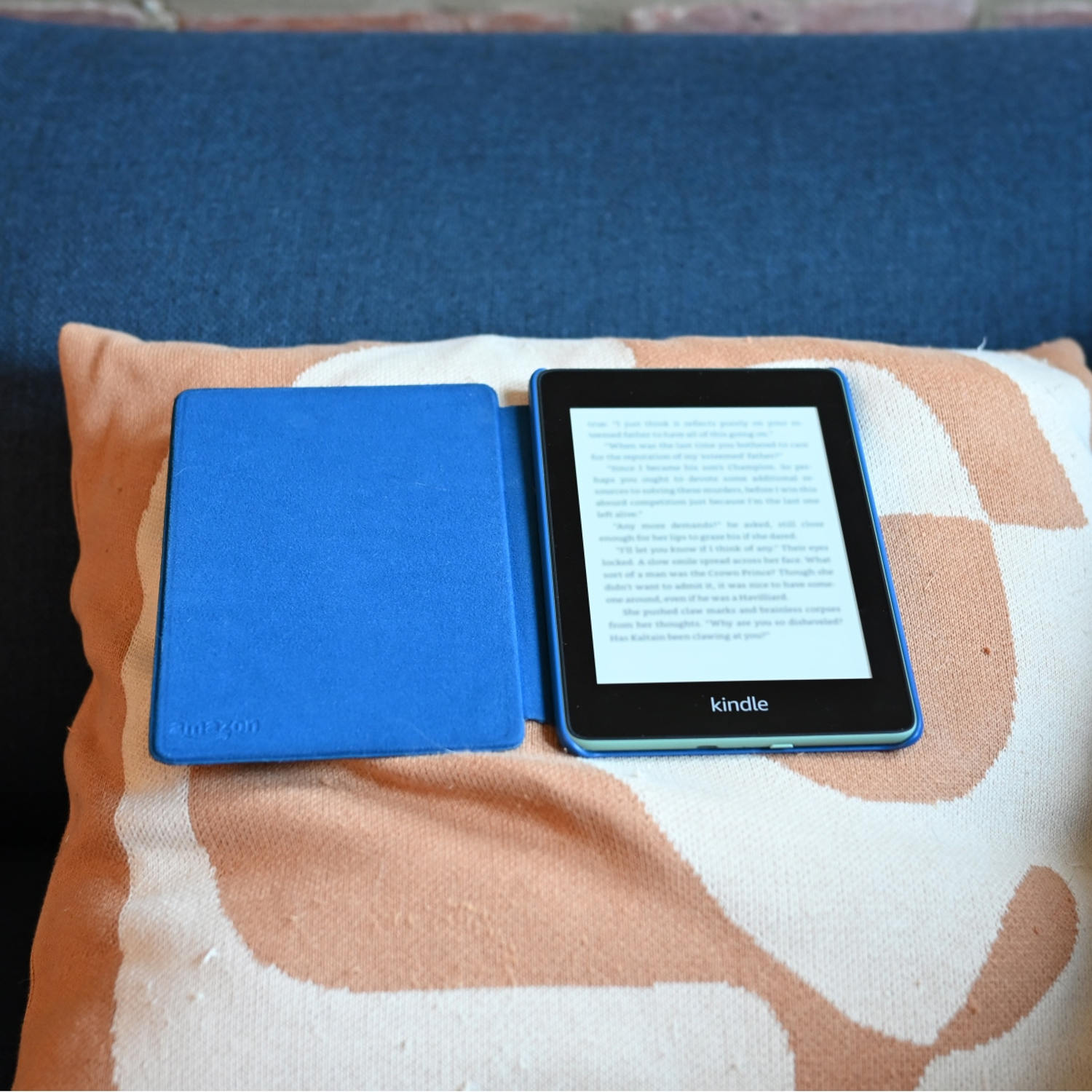
If price is the deciding factor, the base Kindle at $149.99 is the clear budget option. If you want the best overall balance of size, battery, waterproofing, and price, the Paperwhite at $199.99 is the go-to for many readers—Rabinowitz says it’s the model NBC staff reach for, and he uses one with a fabric case. He doesn’t find the Signature Edition worth the extra cost, a useful data point for anyone tempted by the upgrades.
If color matters, the Colorsoft at $289.99 is the only choice. If you want to write as well as read, the Scribe at $399.99 is the one with a stylus. And if you’re buying for a child, a Kids edition bundles the protection and content you’d otherwise assemble yourself.
One more consideration: e-readers aren’t the only option. Devices like the Boox Palma 2 blur the line between phone, tablet, and e-reader. But they aren’t Kindles, and they don’t offer the same tight integration with Amazon’s store, Libby, or the Kindle app ecosystem. For most readers, the simpler choice is also the better one.
Whichever model you choose, the goal is the same: a device that disappears in your hands and leaves only the book. The right Kindle is the one you forget you’re holding.