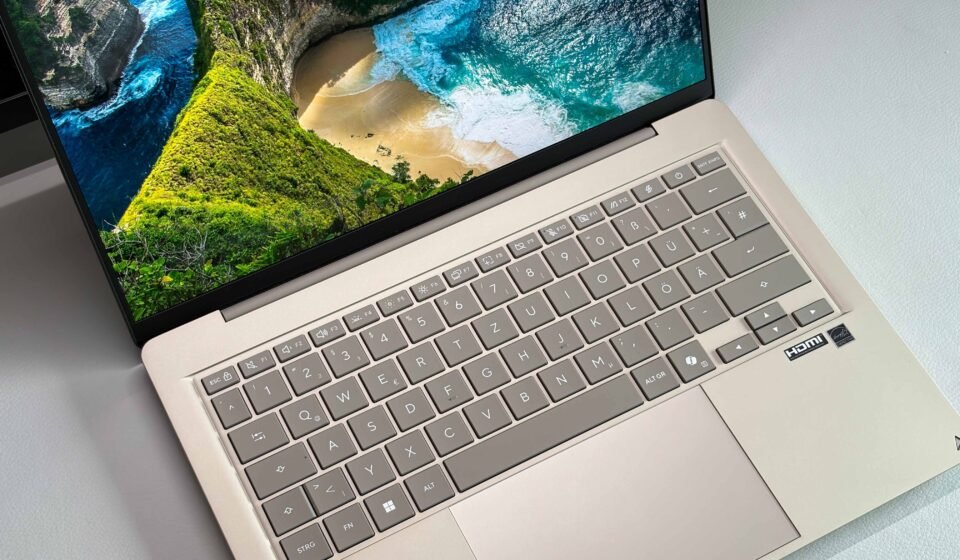

Asus has built a 14-inch everyday laptop around Qualcomm’s Snapdragon X platform, and according to a review published on September 23, 2026, by Andreas Osthoff of Notebookcheck, the machine gets a great deal right — and one thing conspicuously wrong. The Zenbook 14 UX3480QA earns an overall rating of 86 percent, a “good” verdict that reflects genuine strengths in battery life, acoustics, and build quality, offset by a display that falls short of what an OLED badge usually promises.
The review, conducted in Germany with a test unit loaned by Asus Deutschland, covers the 16GB RAM and 512GB SSD configuration priced at $999. Notebookcheck states that the lender had no influence over the review and that there was no obligation to publish it.
Price and configuration
The Zenbook 14 UX3480QA starts at $799, a figure that buys 8GB of RAM and a 256GB SSD. The review unit steps up to 16GB and 512GB for $999, and Osthoff’s recommendation is straightforward: if the budget allows, take the 16GB model. That advice carries extra weight because the memory is soldered LPDDR5x-8448 running in dual-channel mode. There is no upgrade path later, so the decision is permanent at the point of purchase.
Maintenance is correspondingly limited. Owners can swap the M.2-2280 SSD and clean the fan, but little else. The review unit shipped with Windows 11 Home and a 36-month warranty. European buyers should note that models in that region arrive without a power adapter, and the review suggests a 65W unit as the appropriate pairing.
Design and input hardware
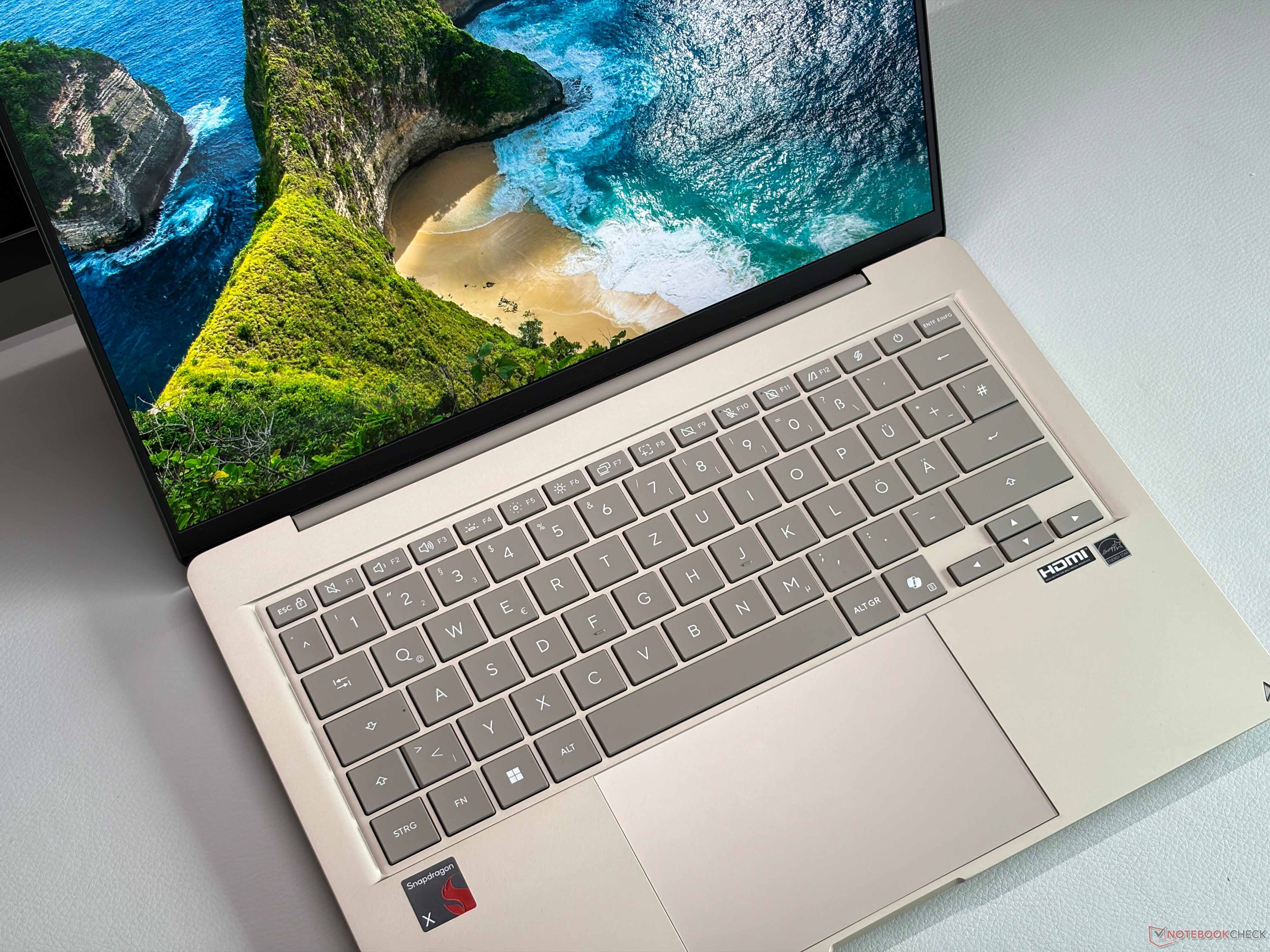
The chassis uses ceraluminum, a material that helps keep the laptop at 1.147 kg and 16.9 mm thick. It is available in three finishes: Zabriskie Beige, Arctic Blue, and Komodo Coral.
The keyboard is a chiclet design with 1.7 mm of travel and a backlight. The clickpad earns praise for quiet mechanical clicks and reliable operation. Port selection covers two USB-C connections, one USB-A, HDMI, and a 3.5 mm audio jack. Wireless duties fall to a Qualcomm Fast Connect 6900 module providing Wi-Fi 6E with stable transfer rates, plus Bluetooth 5.4. A 1080p webcam with IR support handles video calls and Windows Hello.
Display: strong colors, limited headroom
The 14-inch OLED panel runs at 1920×1200 in a 16:10 aspect ratio with a 60Hz refresh rate and a glossy finish. Color coverage is excellent — 99.6 percent of DCI-P3 and 98.9 percent of sRGB — and the out-of-box accuracy is good with both P3 and sRGB profiles available.
The problems are brightness and dynamic range. Average brightness lands around 304 nits, and the panel offers no HDR support at all. That combination undercuts the usual advantages of OLED, particularly in bright environments or when viewing HDR content. The display also exhibits PWM flickering at 480 Hz, though the amplitude is low at 22 percent, and Asus provides flicker-free dimming software as a mitigation.
Performance and thermals
At the heart of the machine is the Qualcomm Snapdragon X X1-26-100, an 8-core, 8-thread processor clocked up to 3.0 GHz, paired with the Qualcomm Adreno X1-45 integrated GPU. Notebookcheck’s testing used Performance mode, though Standard mode is recommended for everyday use.
CPU performance is described as stable but not a highlight, roughly on par with a Dell XPS 13 using Intel’s Wildcat Lake chip. Against Apple’s A18 Pro, the Snapdragon trails in single-core performance but leads in multi-core work. The GPU handles daily tasks and video playback without complaint, but gaming is hardly possible; the review recommends streaming instead. On battery, multi-core performance drops by about 8 percent.
Acoustics are a genuine strength. The system is usually silent or very quiet. Maximum fan noise measures 47.1 dB(A) in Performance mode, 36.2 dB(A) in Standard mode, and just 27.7 dB(A) in Whisper mode. Surface temperatures peak at 43.8 degrees Celsius under load. The stereo speakers deliver good sound quality — on par with the XPS 13, though below the MacBook Neo.
Battery life and the SSD bug
The 50 Wh battery is the headline feature. In Wi-Fi testing at 150 nits, runtime exceeds 20.2 hours. Even at maximum brightness, it clears 11.3 hours. For a subnotebook, those numbers are exceptional.
They come with a caveat. The 512GB Samsung PM9C1b PCIe 4.0 SSD in the review unit suffers from a bug that increases power consumption by roughly 3 Watts. The issue affects only the 512GB SKU. To measure the impact, the reviewer swapped the drive and ran battery tests with both the buggy and the fixed SSD. Asus is working on a fix, but at the time of review, buyers of that specific configuration should expect the additional draw.
Software and platform considerations
Windows on ARM remains a platform with some app compatibility issues, and the review notes one concrete example: calibration software is incompatible. Buyers who rely on specialized color-calibration tools should factor that into their decision.
How it stacks up
Against the Dell XPS 13 with Intel’s Wildcat Lake CPU, the Zenbook 14 holds its own on processor performance and matches it on speaker quality. Against the Apple MacBook Neo and its A18 Pro chip, the is mixed: the Apple silicon wins on single-core speed, loses on multi-core, and takes the edge on speakers.
The more awkward comparison is internal. The older Asus Zenbook A14 remains on the market at $870 and, according to the review, offers better price-performance. It weighs under 1 kg and pairs a brighter OLED with HDR support — two areas where the newer model visibly falls short. For buyers who prioritize display quality and value, the previous-generation machine is the more compelling proposition.
Verdict
The Zenbook 14 UX3480QA is a quiet, long-lasting, well-built 14-inch laptop that handles everyday work comfortably. Its 86 percent rating reflects real strengths: over 20 hours of Wi-Fi battery life at 150 nits, near-silent operation in light use, a comfortable keyboard, and a compact ceraluminum chassis.
But the OLED panel’s roughly 304-nit average brightness and lack of HDR support are hard to overlook on a machine sold partly on its display. Add the SSD power bug affecting the 512GB model and the recommendation becomes conditional. The 16GB configuration is the one to choose if possible, and the older Zenbook A14 deserves a look before committing — especially for anyone who values a brighter screen over the latest silicon.