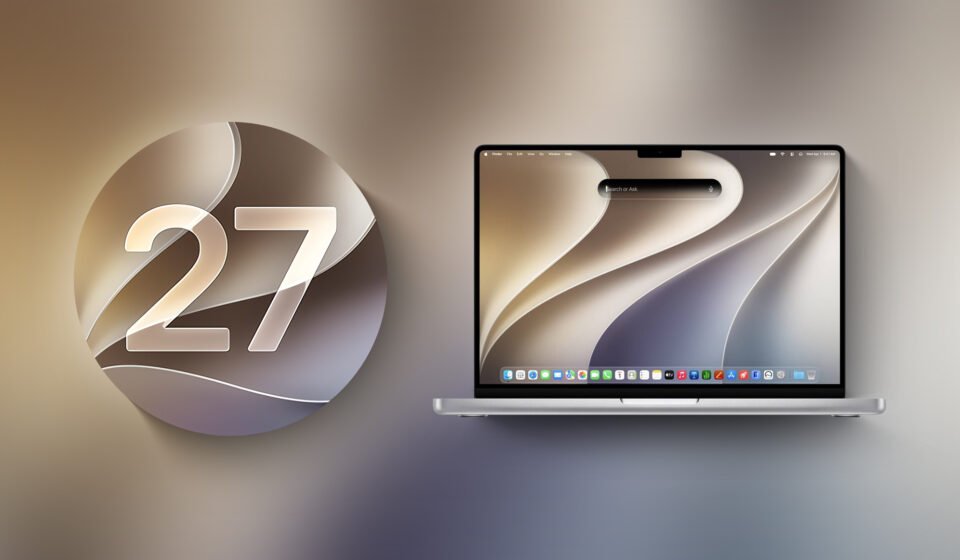

Apple’s next major Mac operating system, macOS Golden Gate, marks a hard break from the Intel era. It is the first macOS release that runs exclusively on Apple silicon Macs. Intel-based Macs cannot install or run macOS Golden Gate; their final supported release is macOS Tahoe. Apple has said it plans security updates for Intel Macs through fall 2028, giving owners a defined window before updates stop.
Boot Camp Assistant Is Gone

Boot Camp Assistant, the long-standing tool that let Intel Mac users install Windows on a separate partition, is not supported in macOS Golden Gate. For Apple silicon owners who need Windows, the path now runs through virtualization software. Parallels and VMware Fusion are two options that allow Windows to run alongside macOS rather than replacing it.
Rosetta 2: Removed, Reinstallable, and Living on Borrowed Time
Rosetta 2, Apple’s translation layer for Intel-based apps, is removed when a Mac upgrades to macOS Golden Gate. The removal is not necessarily permanent. Users can reinstall Rosetta 2 if an application requires it, and macOS Golden Gate continues to offer full Rosetta support. Apple has described this release as the last version with full Rosetta support.
That grace period has a clear endpoint. macOS 28, expected in fall 2027, will largely drop Rosetta 2 support. Most apps that depend on Rosetta will not open on macOS 28. Apple has carved out an exception for some unmaintained legacy games, but the broader message is that the transition period for Intel-based software is closing.
Warnings and a Way to Check Your Apps
macOS Golden Gate does not leave users guessing. The system displays a warning when a Rosetta-dependent app is used. Affected apps are listed in Settings under General, then About, in the Intel-Based Apps section. That view gives users a concrete inventory of software that will need attention before macOS 28 arrives.
AFP, Time Capsule, and the End of an Older Backup Path
The Apple Filing Protocol was deprecated in macOS Sequoia 15.5, and macOS Golden Gate completes the removal by dropping the AFP client entirely. The change has a direct effect on Time Capsule owners. Time Capsule backups no longer work with macOS Golden Gate because the device requires either AFP or SMBv1. Time Machine has moved on, using SMBv2 or SMBv3 instead.
AirPort Utility No Longer Ships With the System
AirPort Utility, the tool used to manage AirPort base stations such as AirPort Extreme and AirPort Express, is not included in macOS Golden Gate. An existing copy may still work if it was installed previously, but Apple makes no guarantee that it will continue to function. Users who rely on AirPort hardware should treat the utility as a legacy item rather than a supported part of the operating system.
What macOS 28 Changes
The bigger shift arrives with macOS 28, expected in fall 2027. While macOS Golden Gate removes Rosetta 2 but allows it to be reinstalled, macOS 28 will largely drop Rosetta 2 support altogether. Most Rosetta-dependent apps will not open. The exception for some unmaintained legacy games is narrow and does not change the overall direction.
What This Means for Intel Mac Owners
Intel Macs are limited to macOS Tahoe, with security updates planned through fall 2028. That gives users time, but not unlimited time, to plan a hardware transition. For those who depend on Boot Camp, the removal in macOS Golden Gate means Windows on a separate partition is no longer an option on the newest macOS. Virtualization through Parallels or VMware Fusion is the remaining route on Apple silicon.
For users who rely on older applications, the Intel-Based Apps list in Settings provides a practical starting point. The warning system in macOS Golden Gate and the reinstall option for Rosetta 2 offer a buffer, but macOS 28 will close most of that gap. The direction is clear: Apple is retiring the Intel-era features that defined the Mac for years, and macOS Golden Gate is where that retirement becomes visible.


