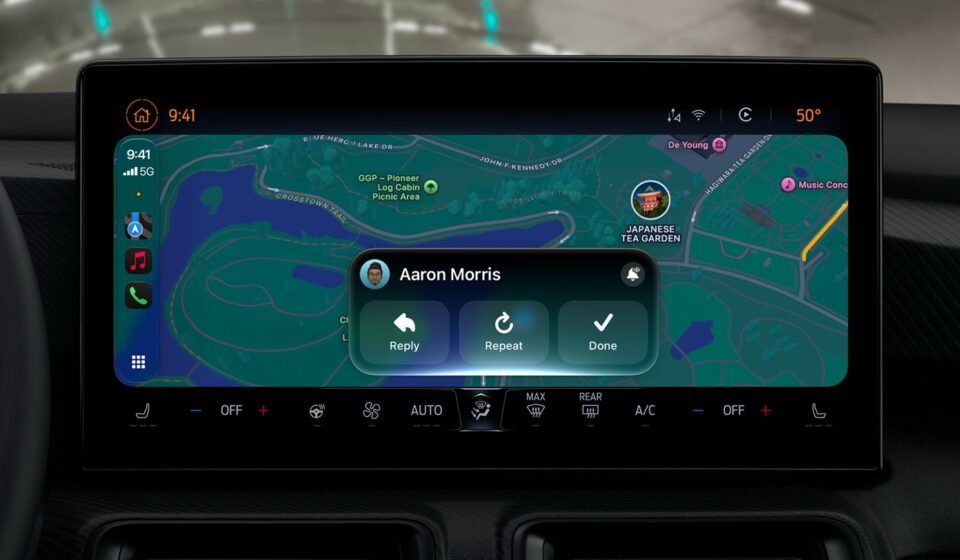

Apple’s latest iPhone software is now available, and it carries the most substantial CarPlay refresh in years. But the update does not hand every driver the same experience. What shows up on your dashboard depends on two separate variables: the vehicle you drive and the iPhone in your pocket.
Some additions arrive the moment you install iOS 27. Others sit dormant until an automaker certifies them. A third group waits on Apple Intelligence hardware. Here is how the pieces divide.
What Works in Any CarPlay Vehicle
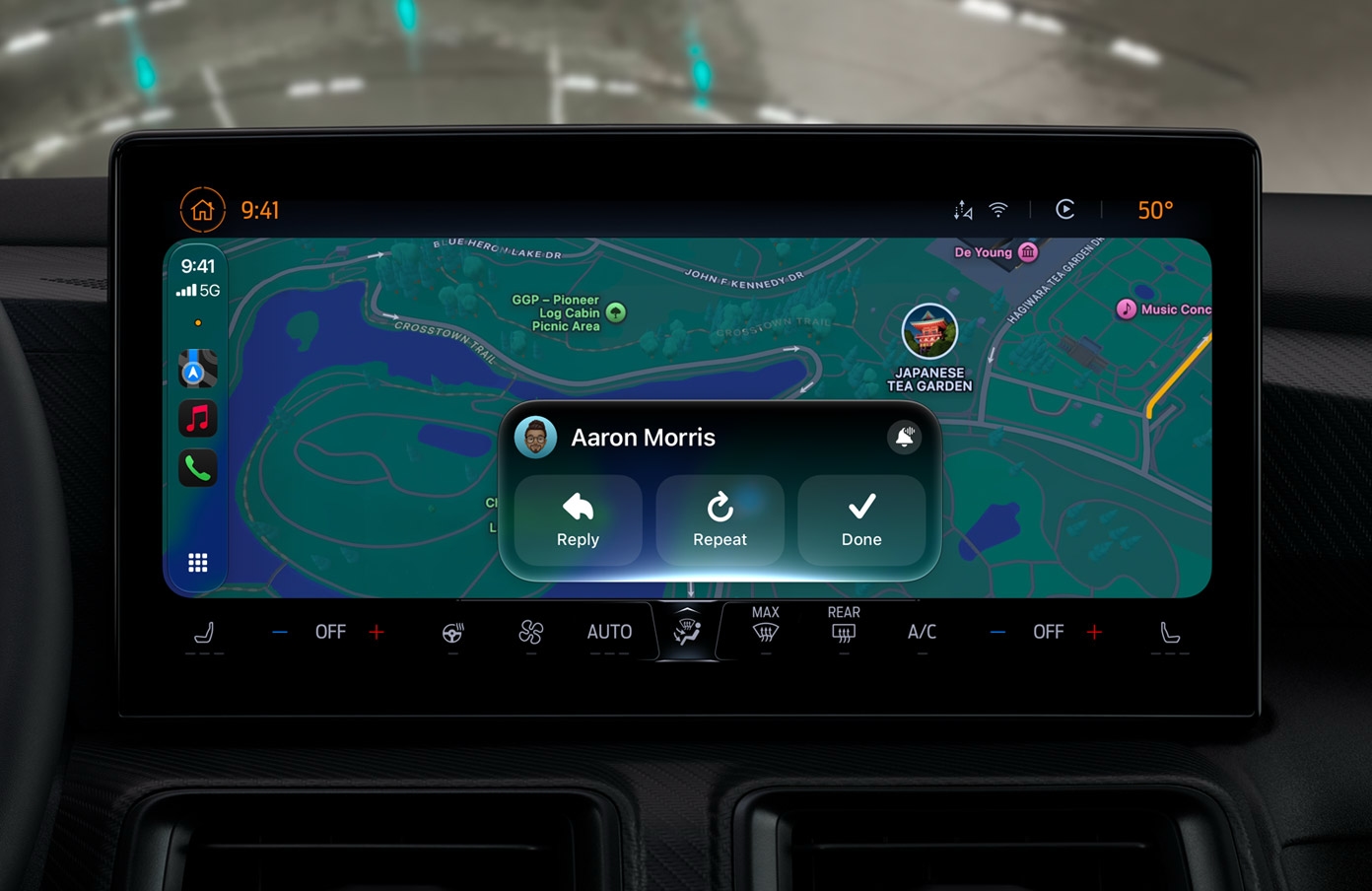
A large share of the update needs nothing beyond a compatible iPhone and an existing CarPlay setup. These features are available across the board, regardless of make or model.
Custom Widgets on the Dashboard
CarPlay now accepts widgets pulled from the iPhone Home Screen. Drivers can place them on the CarPlay interface, then rearrange or remove them as they like. A Smart Rotate toggle is also available for those who want the system to shuffle widgets automatically.
Setup runs through the iPhone: open Settings, go to General, then CarPlay, then Widgets. From there, the selection mirrors what users already know from the phone’s Home Screen.
Audio Scrubbing and a Persistent Mini-Player
The Now Playing screen gains audio scrubbing, letting listeners jump to a specific point in a track rather than skipping blindly. A persistent mini-player keeps album artwork and playback controls visible while the driver moves through other apps, so the music never disappears from view.
Apple Music Library Filters
Apple Music in CarPlay now offers filters for playlists, albums, artists, and songs. The filters narrow large libraries quickly, which matters when scrolling is limited and attention is split. Apple says third-party music apps can adopt the same filtering approach, though that decision rests with each developer.
New Celosia Wallpapers
A fresh wallpaper design called Celosia arrives with 14 color options. The same design appears across iOS 27 and macOS 27, giving Apple’s phone and Mac software a shared visual motif.
Apple Maps Improvements
Natural language search now extends to Apple Maps inside CarPlay, so drivers can phrase requests conversationally instead of tapping through menus. Siri can also provide directions that avoid tolls or highways when asked.
Better Wireless CarPlay
Apple says wireless CarPlay connections are more dependable in iOS 27. The company also points to improved GPS accuracy and better navigation heading detection. Importantly, these wireless gains are phone-side improvements, meaning no new hardware is required in the car.
What Requires the Right Car
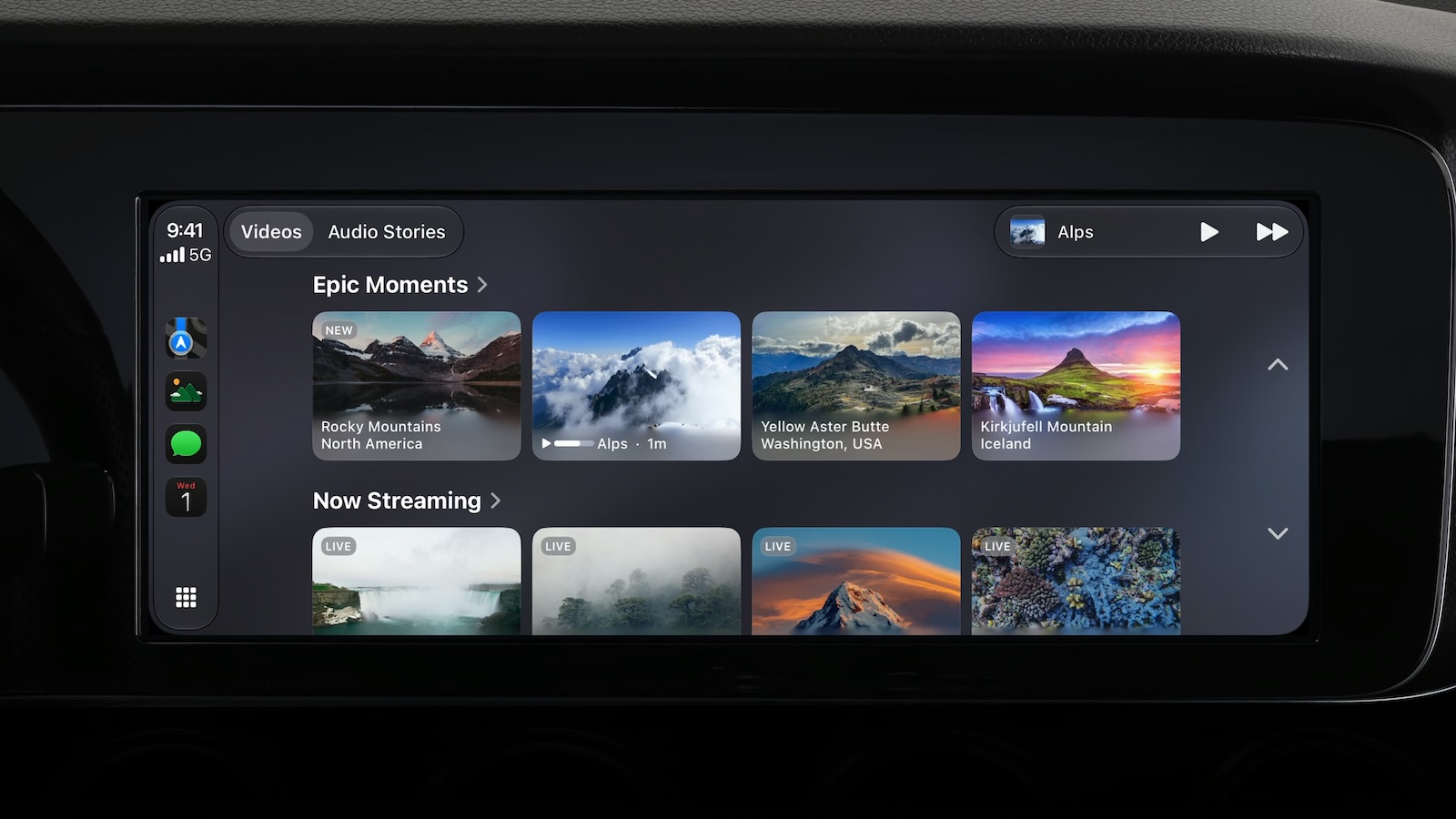
Other features depend on vehicle support that Apple cannot supply on its own. These are the items most likely to leave drivers waiting.
Video Apps in the Car
Apple made a song and dance about video apps, but the fine print matters. Video browsing in CarPlay requires automaker certification of AirPlay video. Playback only works while the vehicle is parked, and the feed switches to audio once the car shifts into drive. For any of this to function, the car must share its drive state with iOS.
So far, no manufacturer has announced support for CarPlay video. The feature is technically present, but practically unavailable until automakers sign on.
Route Sharing to Built-In Screens
Navigation apps can now share routes to a car’s built-in display, including EV charging stops and remaining range. This requires vehicle support as well, so it will not appear in every garage.
What Requires a Supported iPhone
The third category is gated by hardware on the phone side, not the dashboard.
Siri AI in the Car
An upgraded Siri can hold back-and-forth conversation inside CarPlay, and those exchanges sync to the Siri app on iPhone. But the feature requires an iPhone that supports Apple Intelligence. Access also runs through a waitlist, which users can join via Settings, then Siri.
The Developer Piece to Watch
Apple has provided a voice control template for CarPlay developers. Adoption depends on app makers, so this is one improvement that will arrive gradually rather than all at once. It is worth watching because it could change how third-party apps behave behind the wheel.
The Bottom Line
iOS 27 CarPlay features split into three tiers. Widgets, scrubbing, the mini-player, Apple Music filters, Celosia wallpapers, Maps improvements, and wireless reliability work in any CarPlay vehicle. Video apps and route sharing need specific car support, and neither is widely available yet. Siri AI needs an Apple Intelligence iPhone and a waitlist spot.
iOS 27 was released on September 14 and is available to download now. Drivers who want the full should check both their iPhone model and their vehicle’s capabilities before expecting every new item to appear.